Capture
Type it, say it or snap it
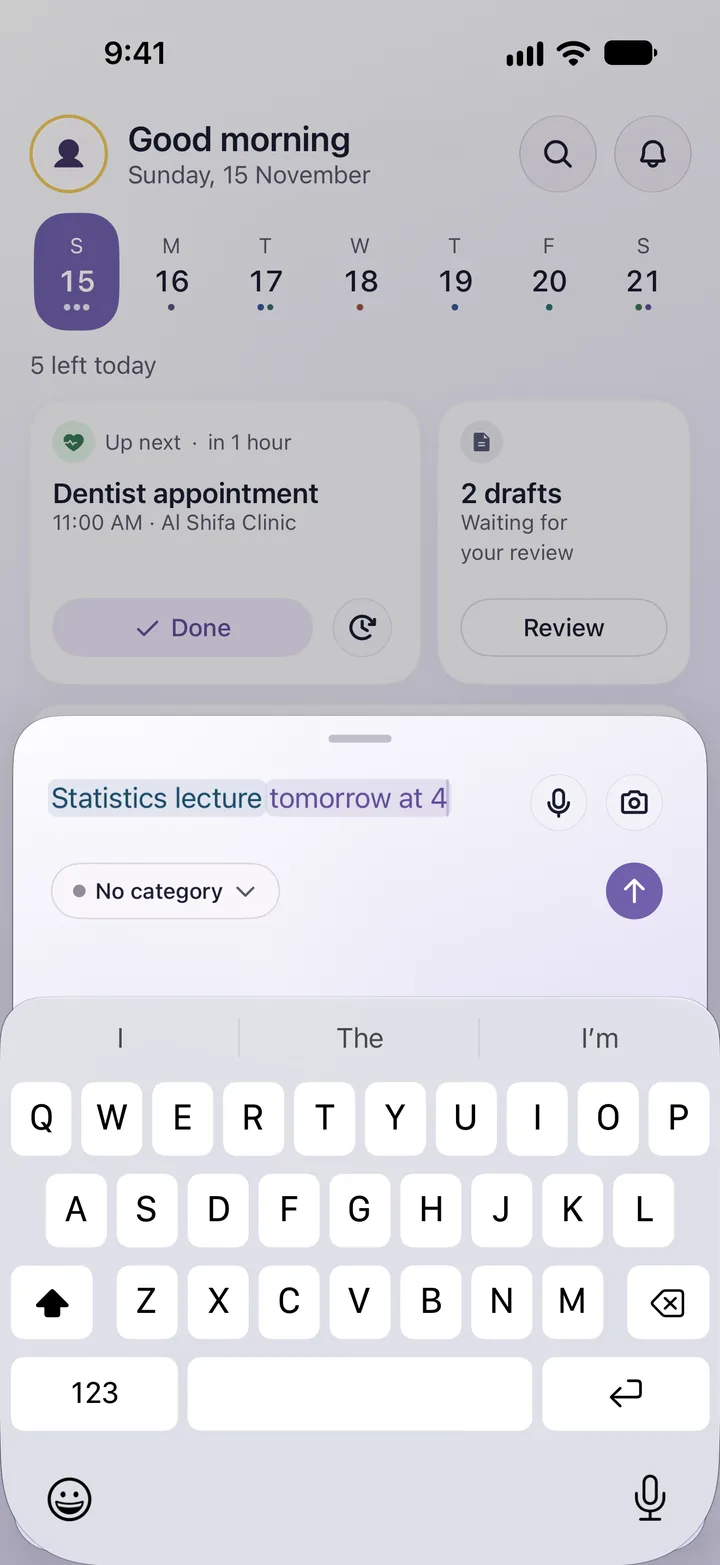
One sentence in your own words is enough. Or snap a schedule, a receipt or a PDF, and Mawed pulls out the date, time and place.
Type or say a plain sentence like “team meeting tomorrow at 10”, or snap a schedule or a receipt. Mawed works out the day, the time and the place, saves it as a reminder, and reminds you on time.
Available now on iPhone and Android
By voice, by text or with a photo, in your own dialect.
Mawed asks only about what is missing, and you confirm with a tap.
On your phone, even when it is offline.
One sentence in your own words is enough. Or snap a schedule, a receipt or a PDF, and Mawed pulls out the date, time and place.
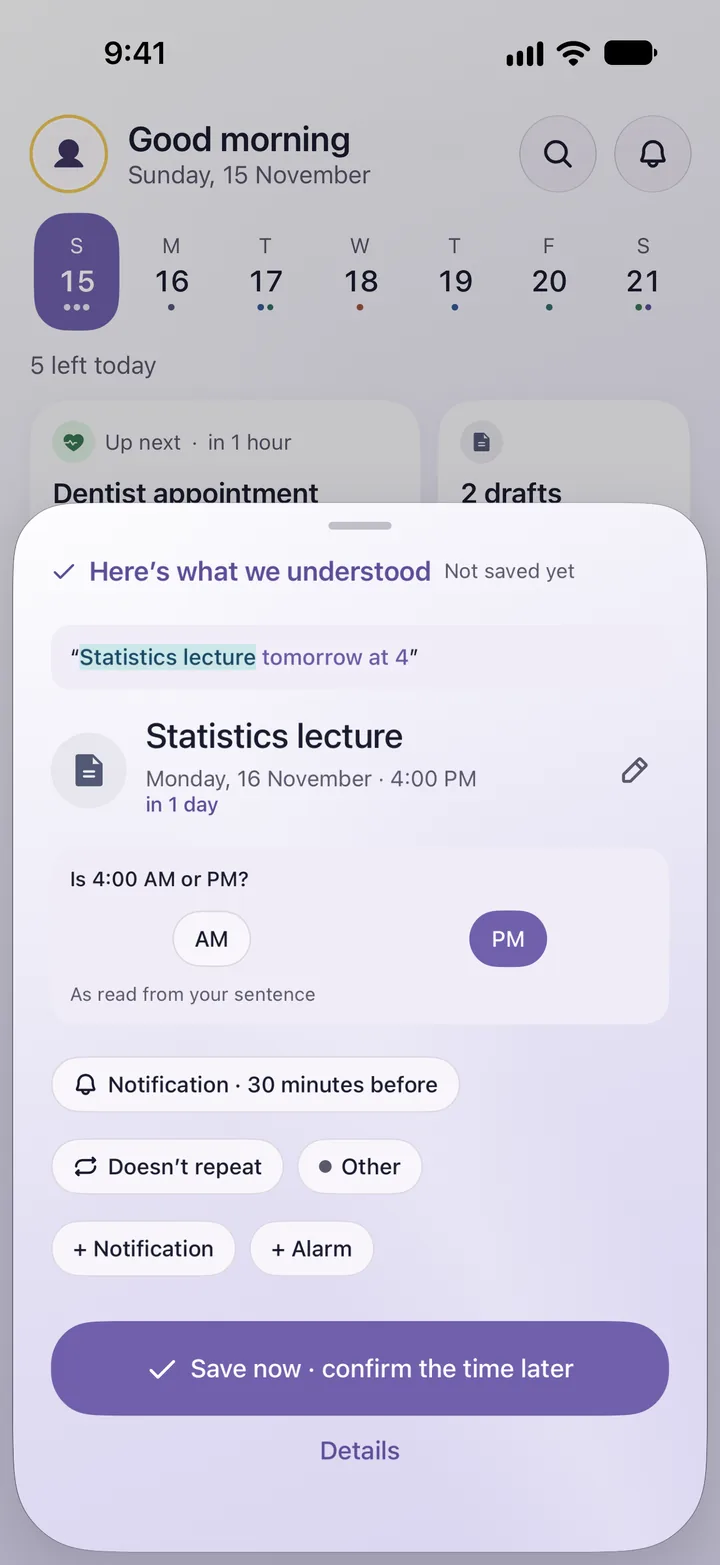
If something is unclear, like “morning or evening?”, it asks you that one thing to confirm or edit. The rest is saved as you said it.
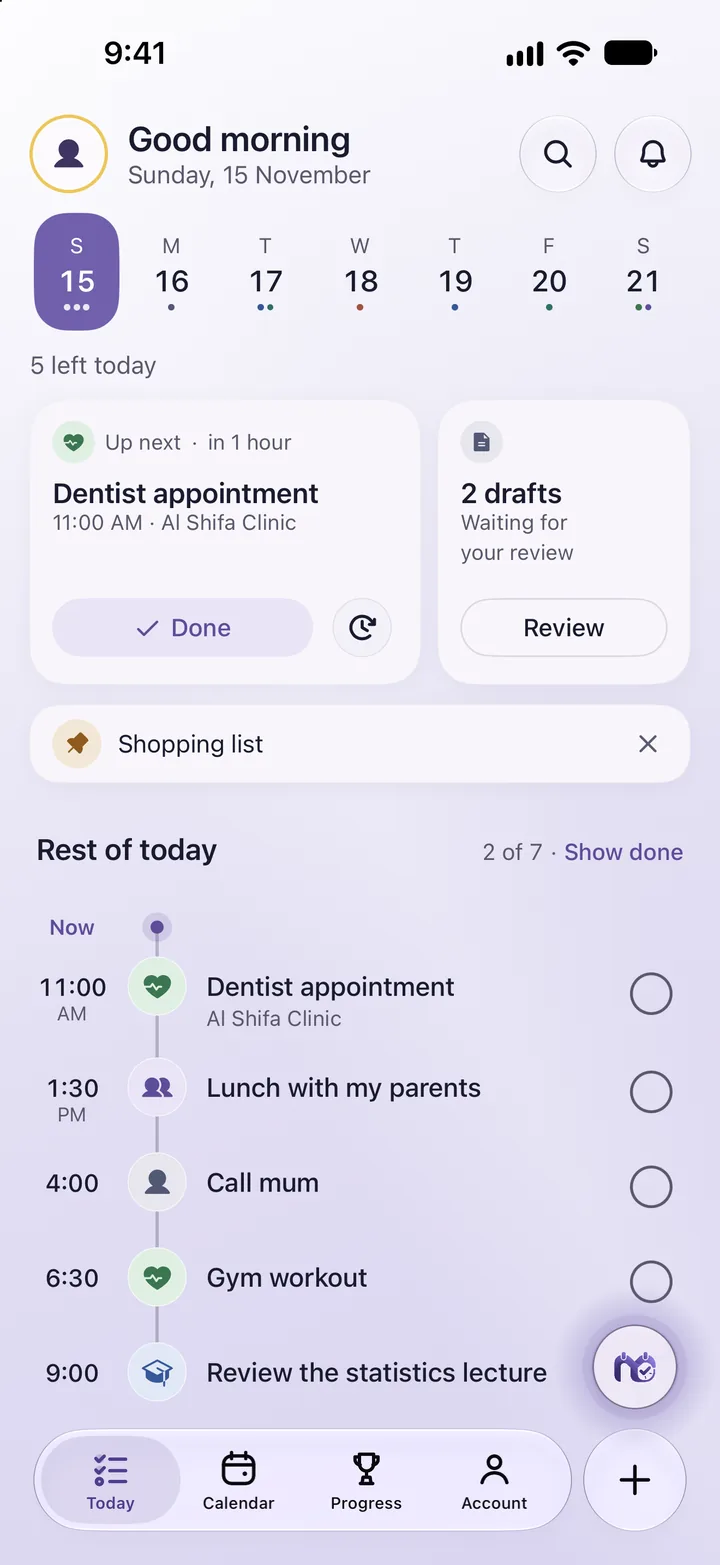
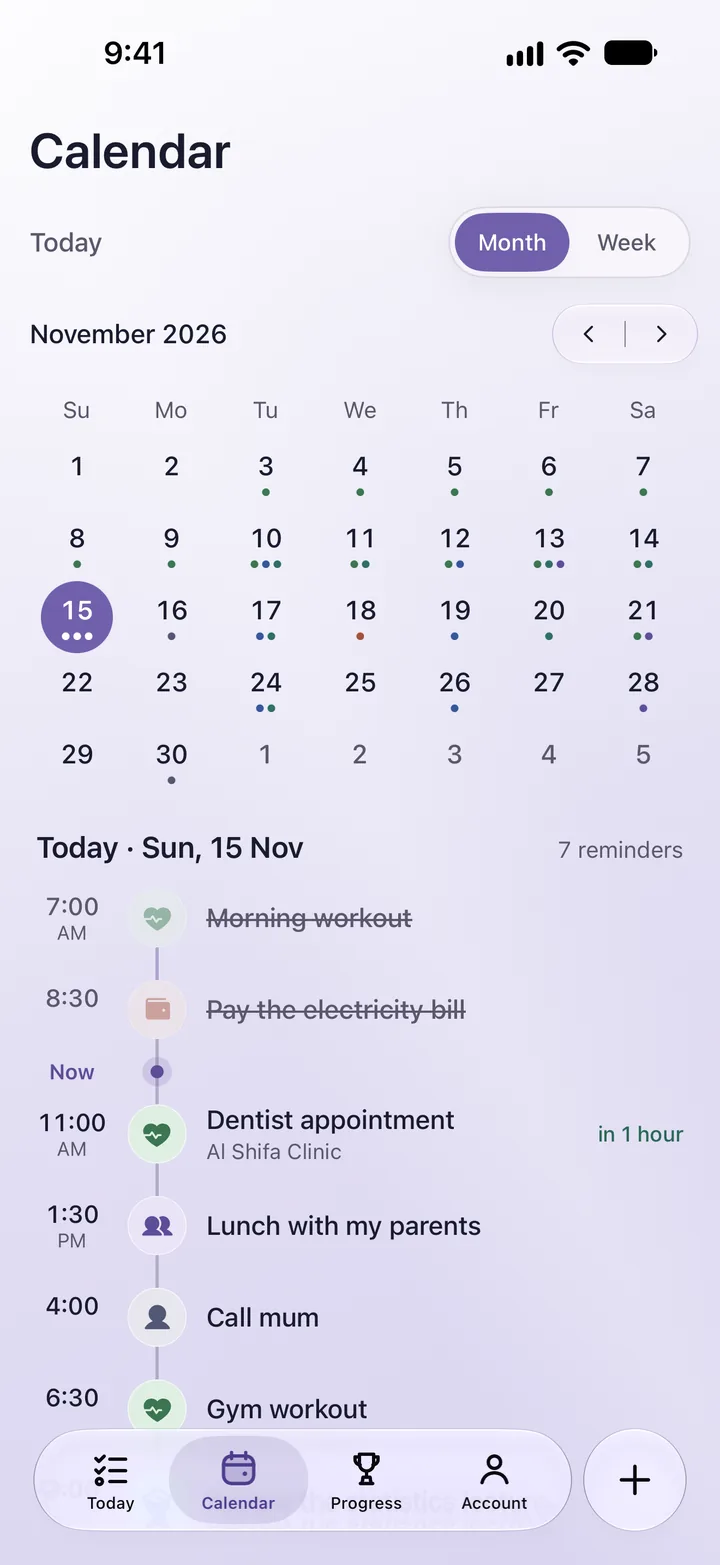
Today's reminders in time order, with a short line that describes your day as it is: busy, quiet, or with something missed.
Tie a reminder to a prayer time, just as you say it. The time is worked out on your phone from the city you choose, without reading your location.
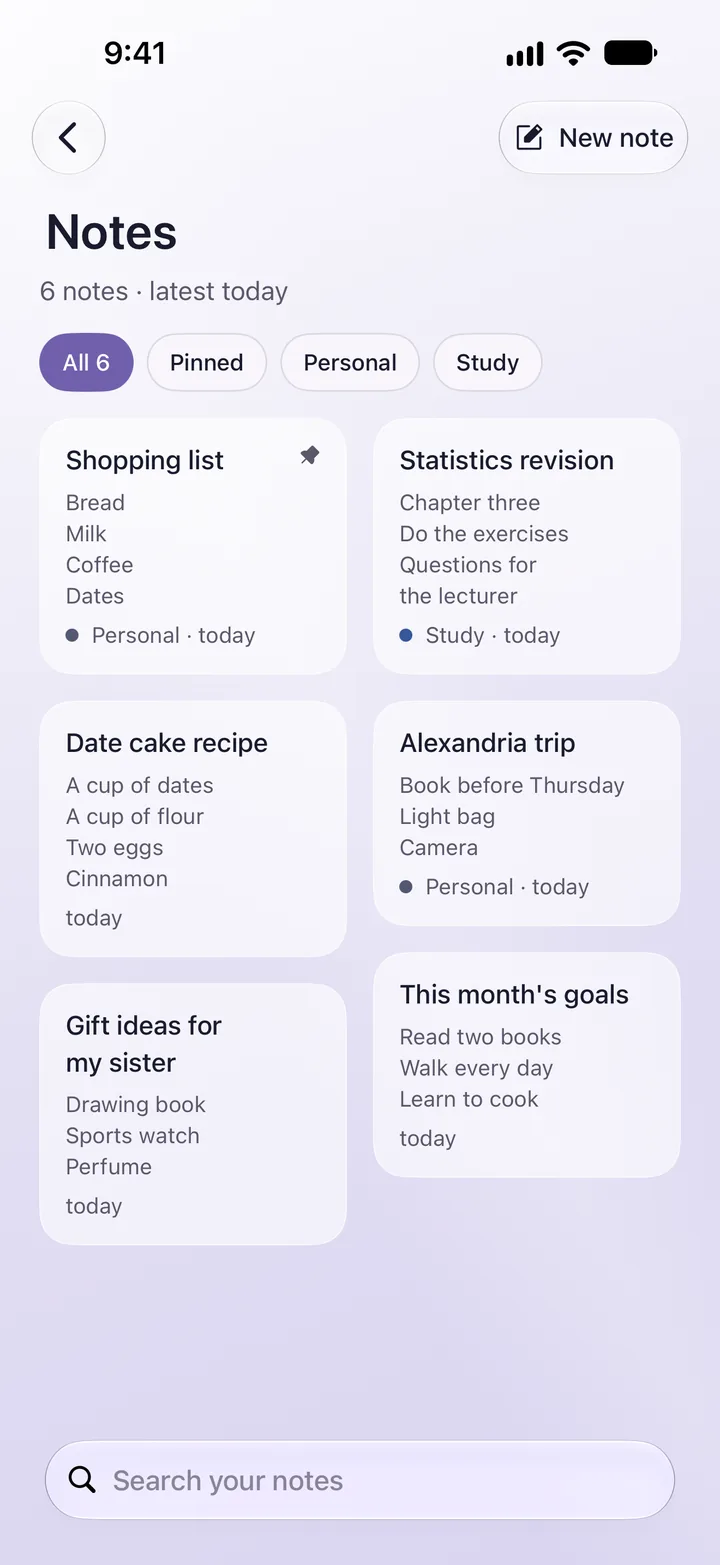
Lock any note with Face ID, fingerprint or the device passcode. Only its title shows until you open it.
A lock on the device, not encryption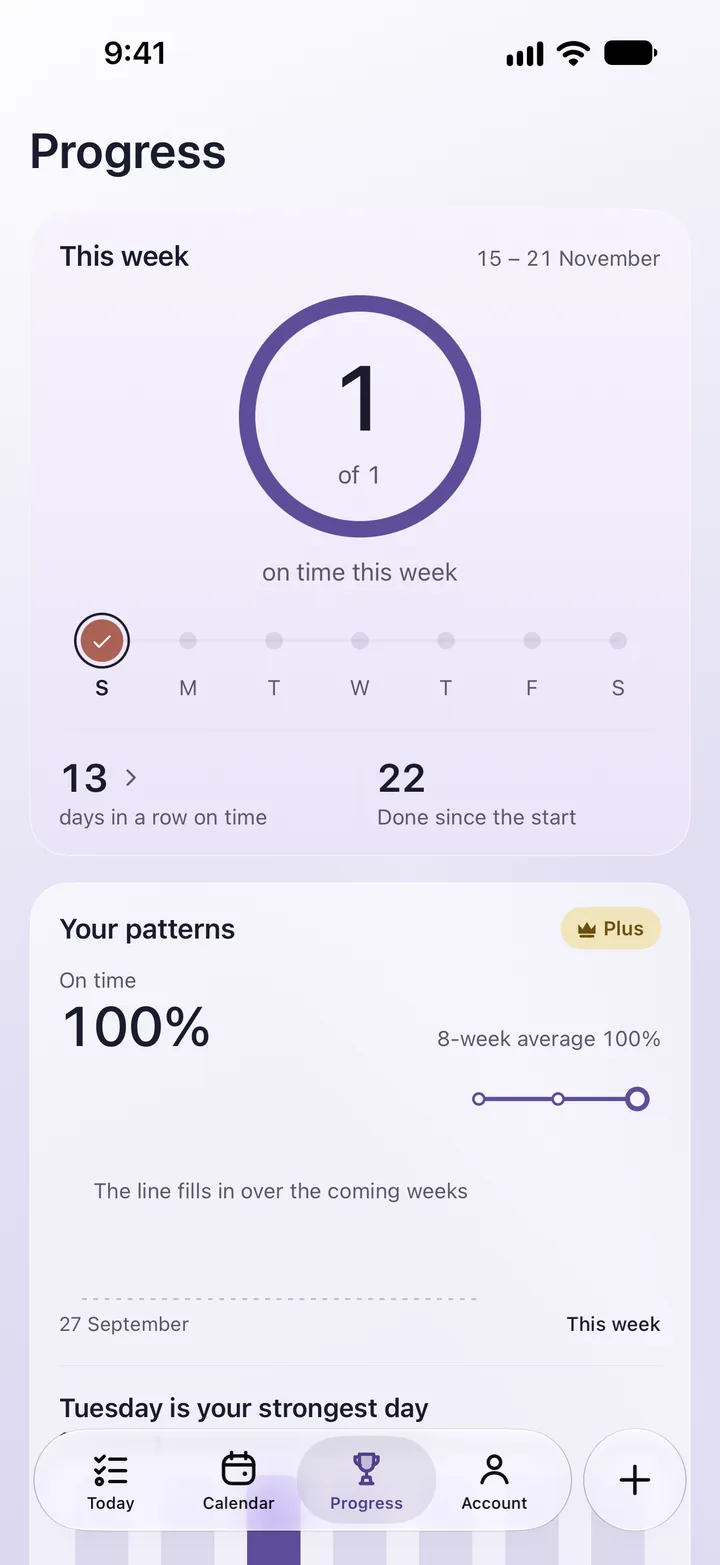
How many days in a row with nothing late, and what you got done this week.
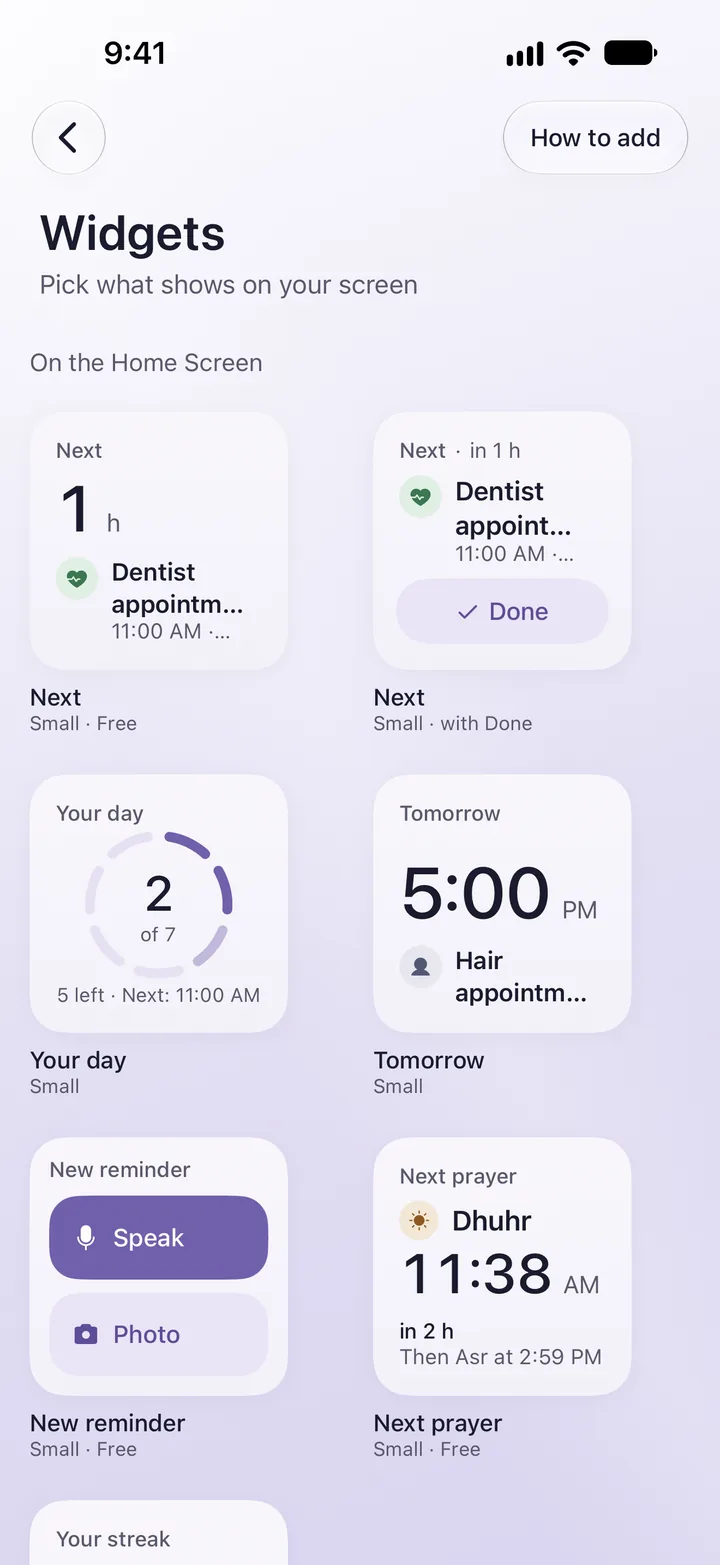
See your next reminder on the Home Screen, without opening the app.
You create the link and send it to whoever you like, and anyone who adds the reminder gets your updates. No public profiles, no followers, and no one can find you by search.
The app is in Arabic or English, and it understands your sentence in your own dialect.
Study, work, health, money: each category has its own colour and icon, and you can add your own.
Mawed is free to use. Mawed Plus is an optional subscription that raises your monthly allowances and unlocks extra features
Joining a family, and opening a share link and adding its plan, are free for everyone. You see each plan and its price on the subscription screen in the app before you pay